LAUNCH WITH CONFIDENCE
 YOU TRIED IT ONCE.
You launched a campaign and watched the budget go, but couldn’t tell which part to fix.
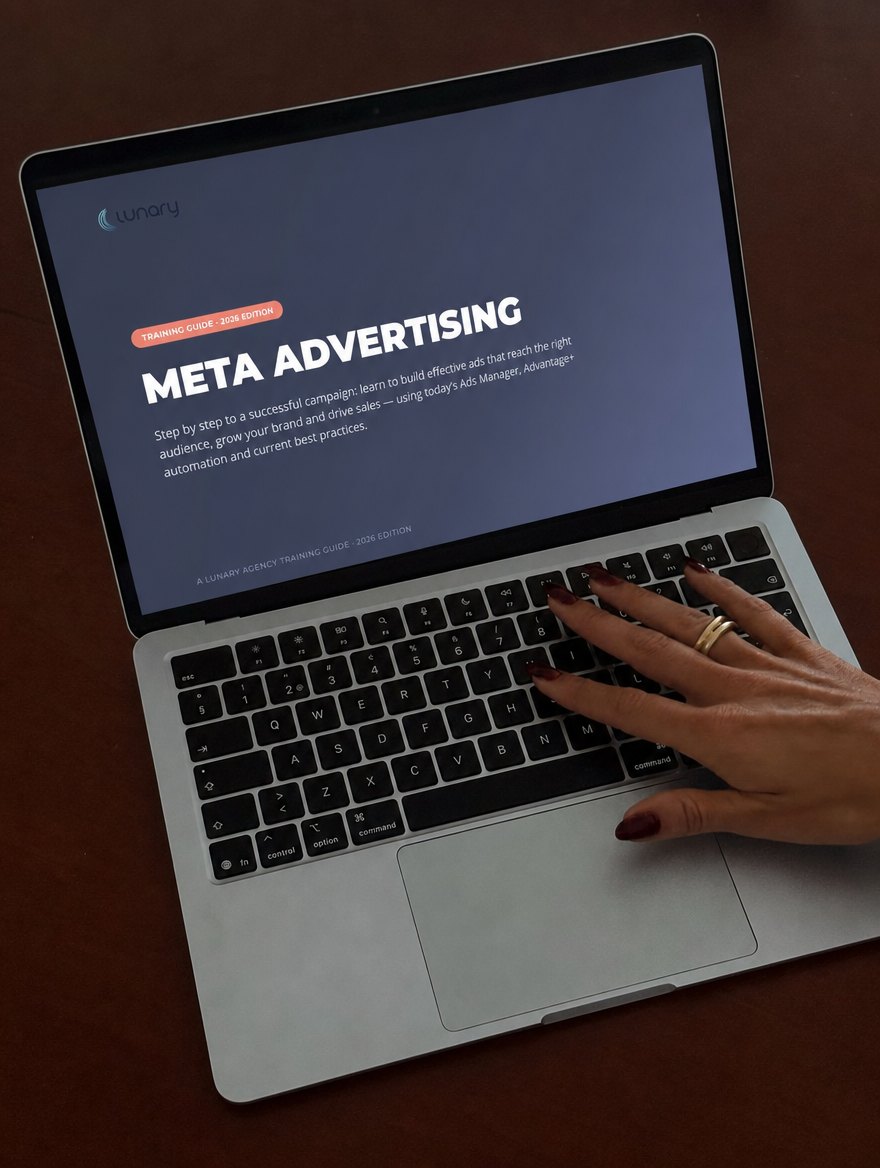
Learn to set up and run your own Meta campaigns with a click-by-click guide, real Ads Manager screenshots and a full worked example.
The guide starts where most tutorials skip: what to prepare before you spend and how to tell what happened afterward.
You launched a campaign and watched the budget go, but couldn’t tell which part to fix.
The tutorial you found doesn’t look like the Ads Manager in front of you.
You want to understand setup and results yourself, even if someone else helps you run campaigns later.
Clear steps and screenshots for the current 2026 Ads Manager interface.
How advertising on Meta works and where it fits into your business.
Your Page and a tour of Ads Manager before you spend.
Business Manager, billing, access, domain verification, Pixel and Conversions API.
Funnels, remarketing, lookalikes and Advantage+ Audience.
Image, video, carousel and collection formats, with practical use cases.
Objectives, budgets and the 2026 campaign flow.
The metrics that matter, how to read them and how to test changes.
Advantage+ Creative, Threads ads and current AI tools.
A worked campaign example from start to finish.
Instant digital download · Keep it as a reference
You have a Facebook Page and Instagram, and want to run a campaign with a clear plan.
Your ads are running, but you want to understand what the numbers are telling you.
You want to test paid lead generation alongside referrals and organic content.
You want to learn the setup before you offer paid ads as a service.

That is why this guide moves from the account setup to a worked campaign example, with the decisions explained along the way.

Before I made a guide, I ran Meta ads for my own online store. I had to learn which settings mattered, how to read the results and what to change next.
That store reached multiple five-figure months and a six-figure first year. This guide puts the process I learned into one place, with the screens and steps I wish I’d had at the start.
These are my business results, not a promise of what your campaigns will achieve.
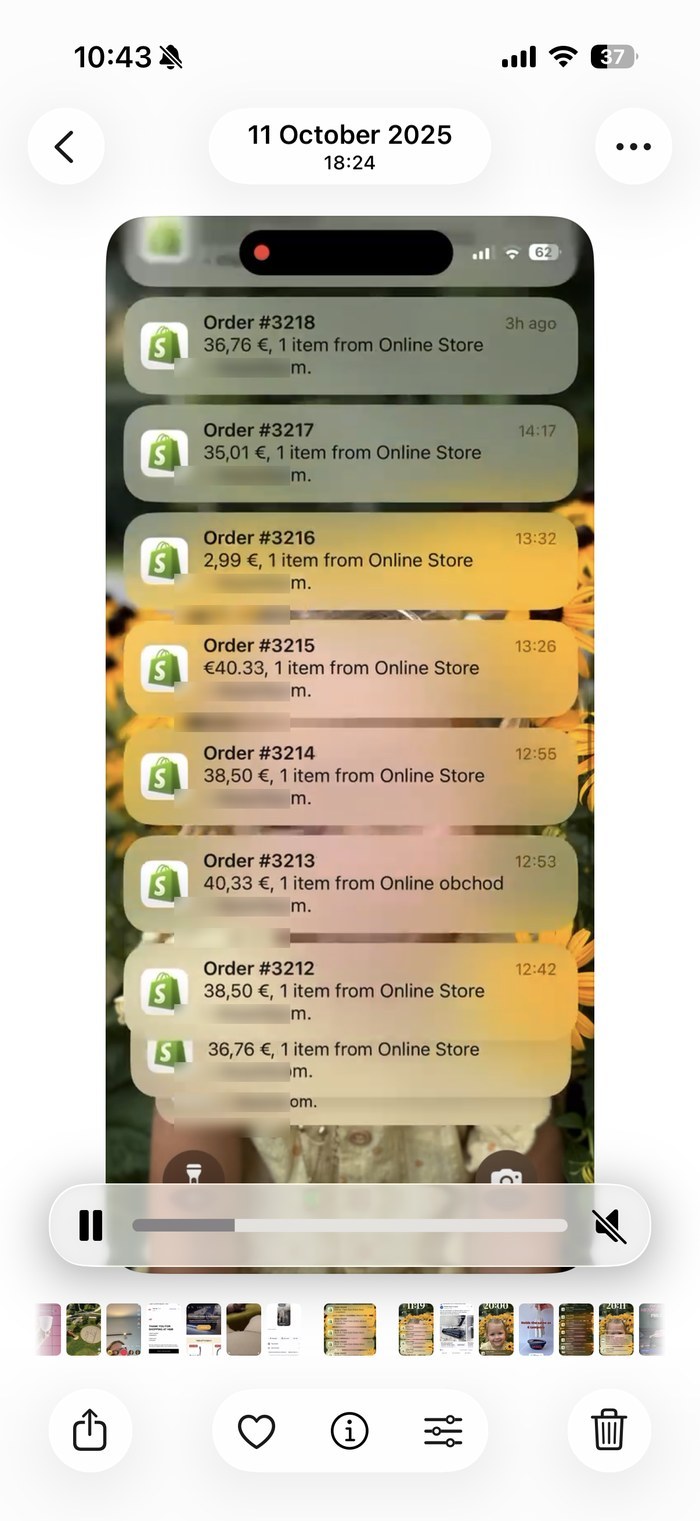
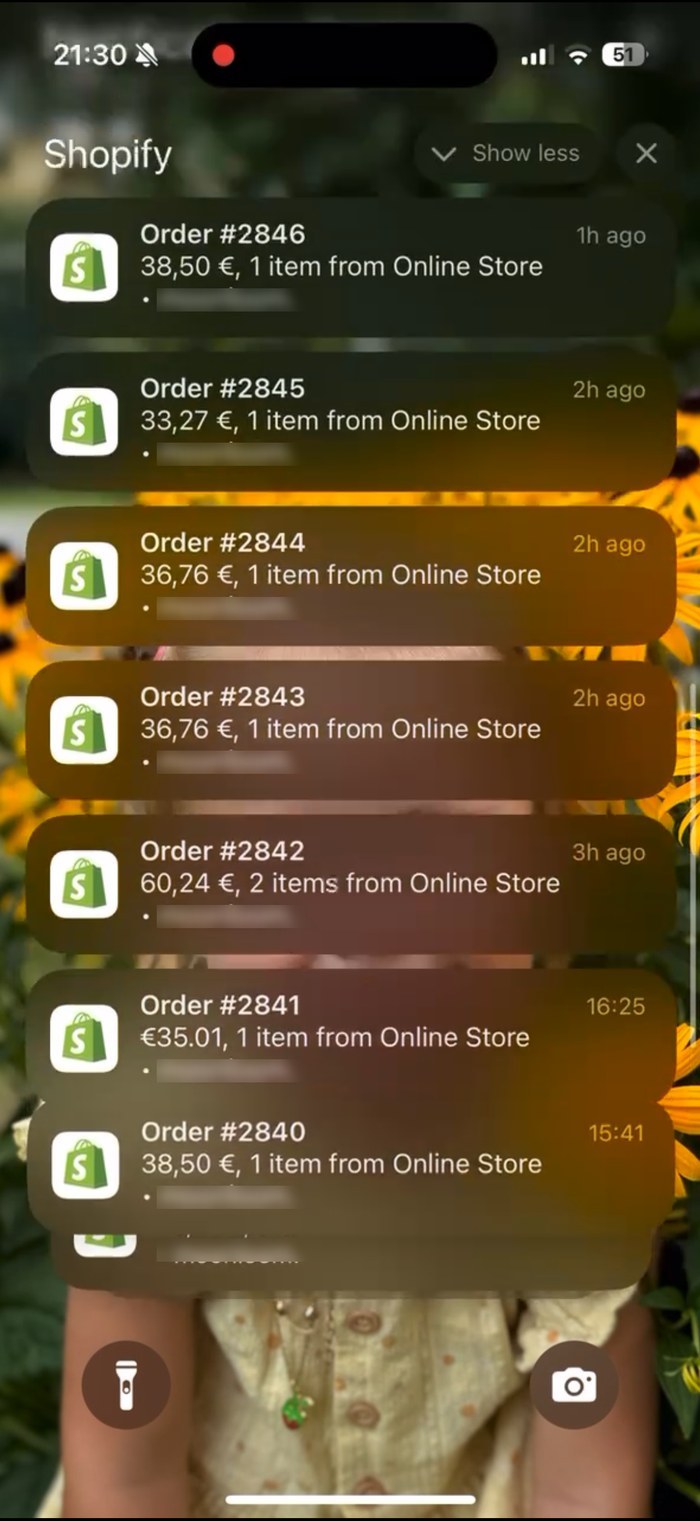
These are screenshots from my own store. The shop name is blurred. They show what happened in my business; results depend on your offer, budget and execution.
The moving cards recreate amounts visible in the original screenshots below. They are past orders, not a live feed.
One practical reference for setup, targeting, creative, campaign structure and optimization. Work through it at your pace and return to it when you need a specific screen or decision.
$139 $49
Yes. It starts with the basics and walks through account setup before you create a campaign.
It is a 129-page digital guide available as an instant download after purchase.
No. It teaches the setup and decision process. Your results depend on your business, offer, budget and execution.